

Download ApowerREC: Screen Recorder – screen recorder, video recording, screen recording app, mobile screen recording, video capture tool, recording software, screen capture tool, mobile recording tool, video recording software, screen recording software
Overview
ApowerREC: Screen Recorder is a mobile-focused tool designed to meet the growing demand for high-quality screen recording across various digital activities. It serves as a practical solution for users who need to capture content from their smartphone screens, whether for educational purposes, professional presentations, online meetings, gaming sessions, or personal video chats. The app supports a range of recording scenarios, offering flexibility and adaptability to different user needs. Its primary function is to enable seamless, on-the-go recording with minimal setup and intuitive controls.
Target users include students, remote workers, content creators, educators, and gamers who rely on screen capture for documentation, teaching, or entertainment. The app’s emphasis on accessibility is evident through its free trial option, allowing new users to test core functionalities without cost or watermark for short clips. This feature lowers the barrier to entry and supports informed decision-making before subscription commitment.
Developed by ApowerSoft, a company known for productivity and screen capture tools, ApowerREC extends its desktop-based offerings into the mobile space. While specific details about the company’s background were not provided, the app’s consistent branding and feature set suggest a focus on usability and reliability. The app plays a role in the broader mobile productivity ecosystem by empowering users to record, organize, and share content directly from their devices.
Key Features & Functionality
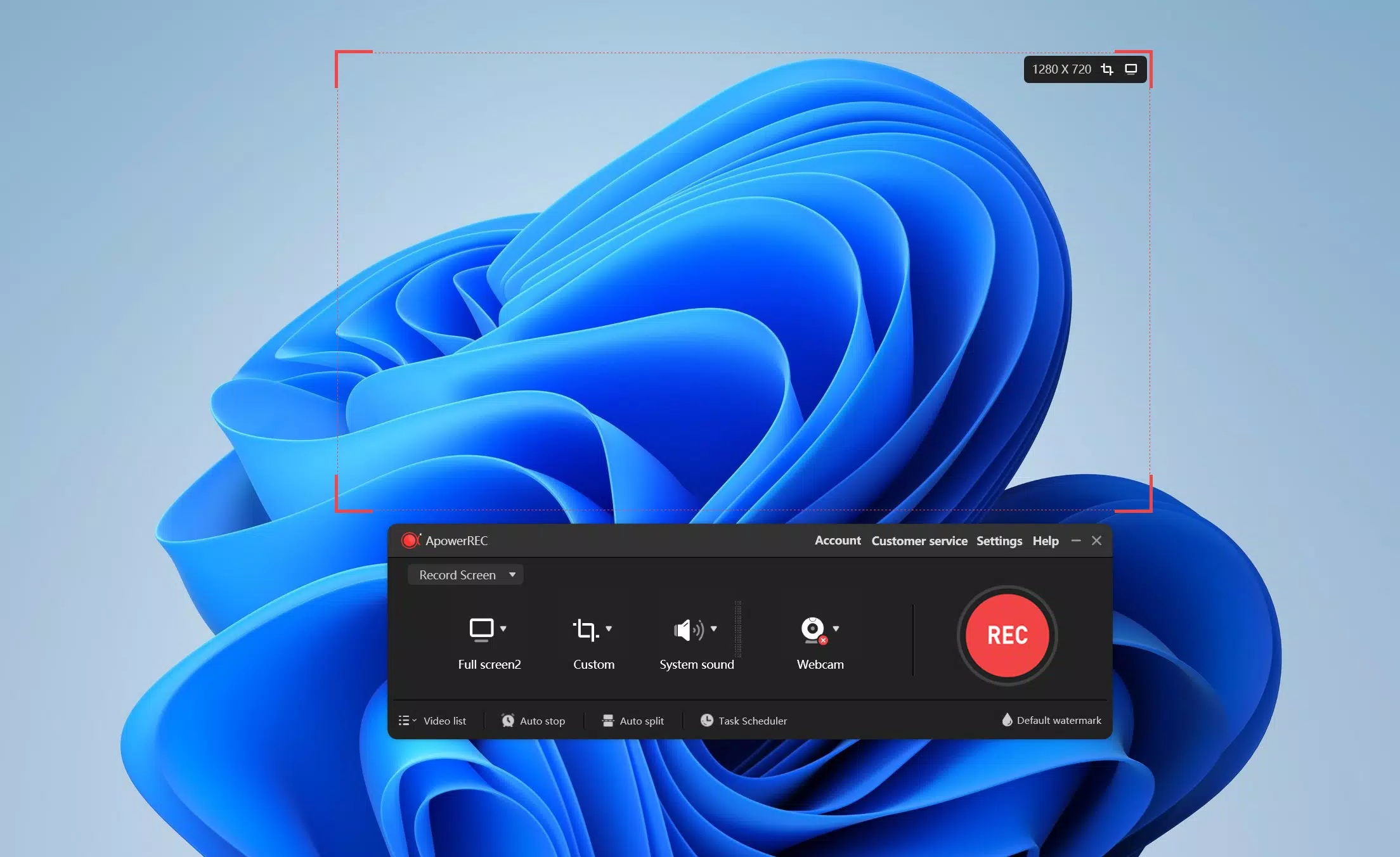
- Smart Recording Modes: ApowerREC supports full-screen, regional, window, and webcam recording. This enables users to capture only the relevant portion of the screen, whether it’s a game interface, a video call, or a tutorial. For example, a student can record a specific section of a lecture slide without capturing unnecessary background elements.
- Free Trial with No Watermark: Users can record up to one minute of video without a watermark, allowing them to test the app’s clarity, frame rate, and interface before deciding on a subscription. This is particularly useful for first-time users evaluating the tool’s performance in real-world conditions.
- Cloud Storage for Members: Registered users receive 2 GB of free cloud storage, enabling secure backup and cross-device access. A teacher, for instance, can record a lesson on their phone and later retrieve it from a tablet or computer for review or sharing.
- VIP Membership Plans: Quarterly, yearly, and lifetime VIP subscriptions unlock unlimited recording time and full access to advanced features. These plans are tailored for heavy users such as content creators or professionals requiring consistent, high-quality recordings without restrictions.
- User-Friendly Interface: The app’s clean layout and straightforward controls allow users to start recording with minimal effort. Even those unfamiliar with screen capture tools can navigate the interface efficiently, reducing the learning curve and increasing productivity.
Interface, UX & Performance
The interface of ApowerREC is designed with simplicity and functionality in mind. The main screen presents essential recording options in a clearly organized layout, minimizing clutter and enhancing accessibility. Navigation is intuitive, with key actions such as starting, pausing, and stopping recording available through prominent buttons. Visual cues and feedback during recording help users maintain awareness of the app’s status.
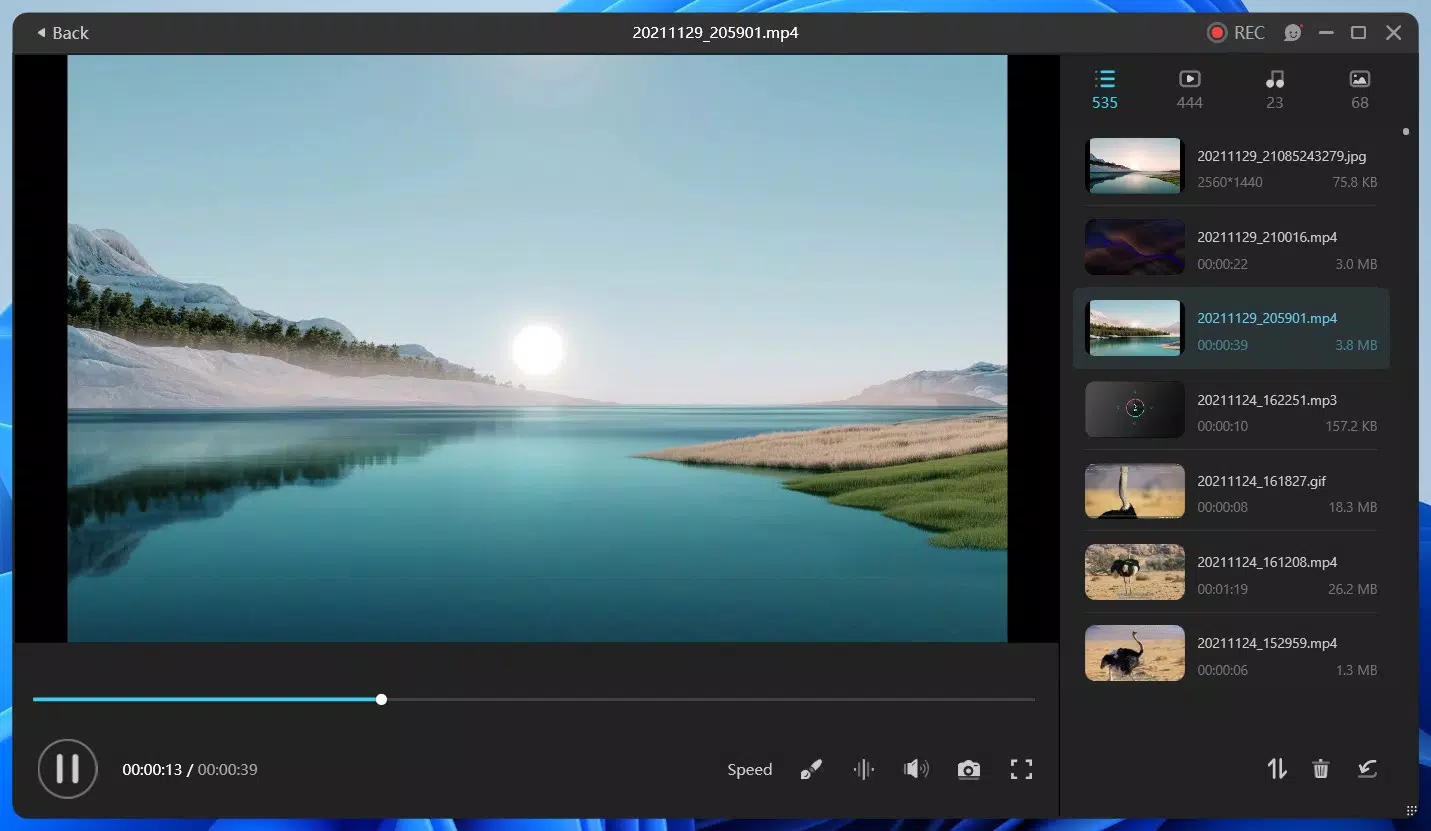
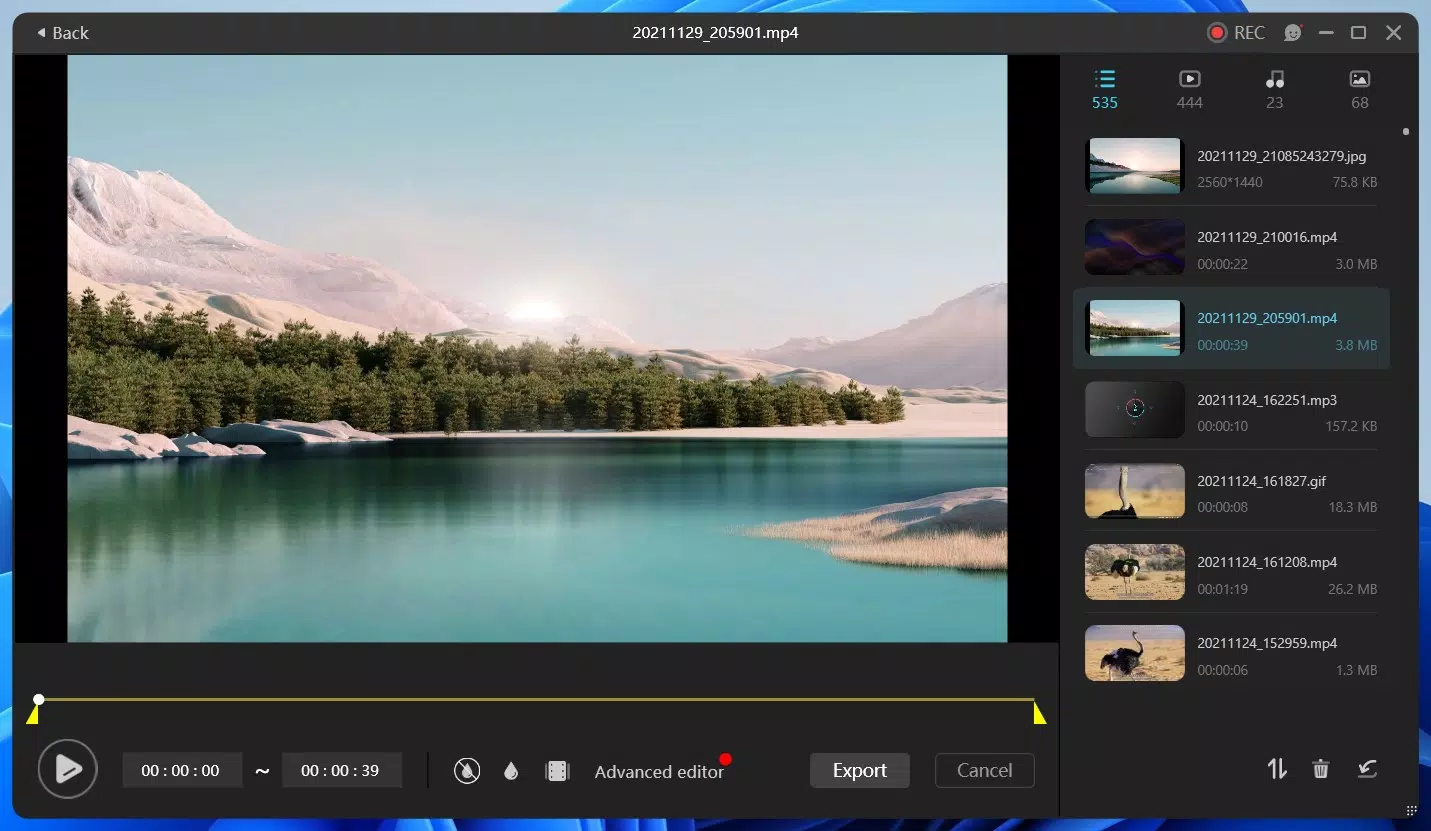
Although the developer did not list formal performance metrics, the app appears optimized for smooth operation across various device categories. Users can expect responsive interactions and minimal lag during recording sessions. Stability is maintained even when handling longer clips or multiple recording modes, suggesting efficient resource management. The app also supports real-time preview and quick access to recorded files, improving workflow continuity.
Performance may vary slightly depending on device hardware, but the absence of reported crashes or freezes indicates a reliable user experience. The app maintains consistent frame rates and audio sync, which is crucial for professional and educational use. Overall, the UX is polished and focused on user efficiency, aligning with modern mobile design standards.
Platform Compatibility & Technical Requirements
ApowerREC: Screen Recorder is available on both Android and iOS platforms, making it accessible to a wide audience of smartphone users. The current version is 3.0.3.2, with a file size of 68.2 MB, which is relatively lightweight for a screen recording application. This size suggests efficient code structure and minimal bloat, contributing to faster installation and lower storage impact.
The developer did not specify minimum OS requirements or compatibility details beyond the supported platforms. As such, users should ensure their devices meet the general standards for running modern mobile applications. Compatibility with specific device models or older OS versions was not disclosed. The app’s design suggests it is optimized for current-generation smartphones, but users with older devices may experience variable performance.
Pros and Cons
Pros
- Supports multiple recording modes for flexible capture options
- Offers a free trial with no watermark for short clips
- Provides 2 GB of free cloud storage for registered users
- Intuitive interface suitable for beginners and experienced users
- Lightweight file size (68.2 MB) for quick installation
Cons
- Specific technical requirements were not listed
- Advanced features require a paid VIP subscription
- Cloud storage is limited to 2 GB for free members
- Developer did not provide detailed performance benchmarks
- Full functionality is restricted without a paid plan
FAQ
Is ApowerREC safe to install on my smartphone?
Yes, ApowerREC is designed with user privacy in mind. The app does not require excessive permissions and is distributed through official app stores. Users are advised to download it only from trusted sources to ensure security.
Can I use ApowerREC without a subscription?
Yes, the app offers a free trial that allows recording up to one minute without a watermark. However, full access to features like unlimited recording time and cloud storage requires a VIP membership.
Does ApowerREC support recording with audio?
Yes, the app includes audio capture functionality, enabling users to record system audio and microphone input simultaneously. This is ideal for tutorials, presentations, or video chats.
Is the cloud storage feature available on all devices?
Yes, registered members can access their recordings from any device with the app installed and a valid login. The cloud sync ensures consistent access across platforms.
How often does ApowerREC receive updates?
The app is regularly updated to improve performance, fix bugs, and introduce new features. The latest version is 3.0.3.2, released on April 20, 2024.
Final Thoughts
ApowerREC: Screen Recorder stands out as a capable and accessible mobile solution for users seeking reliable screen capture functionality. Its blend of smart recording modes, free trial access, and cloud integration makes it a strong contender in the mobile productivity space. The user-friendly design ensures that even those without technical expertise can record high-quality videos with ease.
While advanced features are locked behind a subscription, the free tier offers enough value to justify testing the app. It’s especially beneficial for students, educators, remote workers, and casual content creators who need a dependable tool for capturing digital content on the go.
With its lightweight size, cross-platform availability, and focus on usability, ApowerREC delivers real-world utility without unnecessary complexity. For anyone looking to record their screen efficiently and securely, this app is a practical choice.
Download ApowerREC now


